Use Marketplace
OpenPAI Marketplace can store job examples and templates. You can use marketplace to run-and-learn others' sharing jobs or share your own jobs.
Entrance
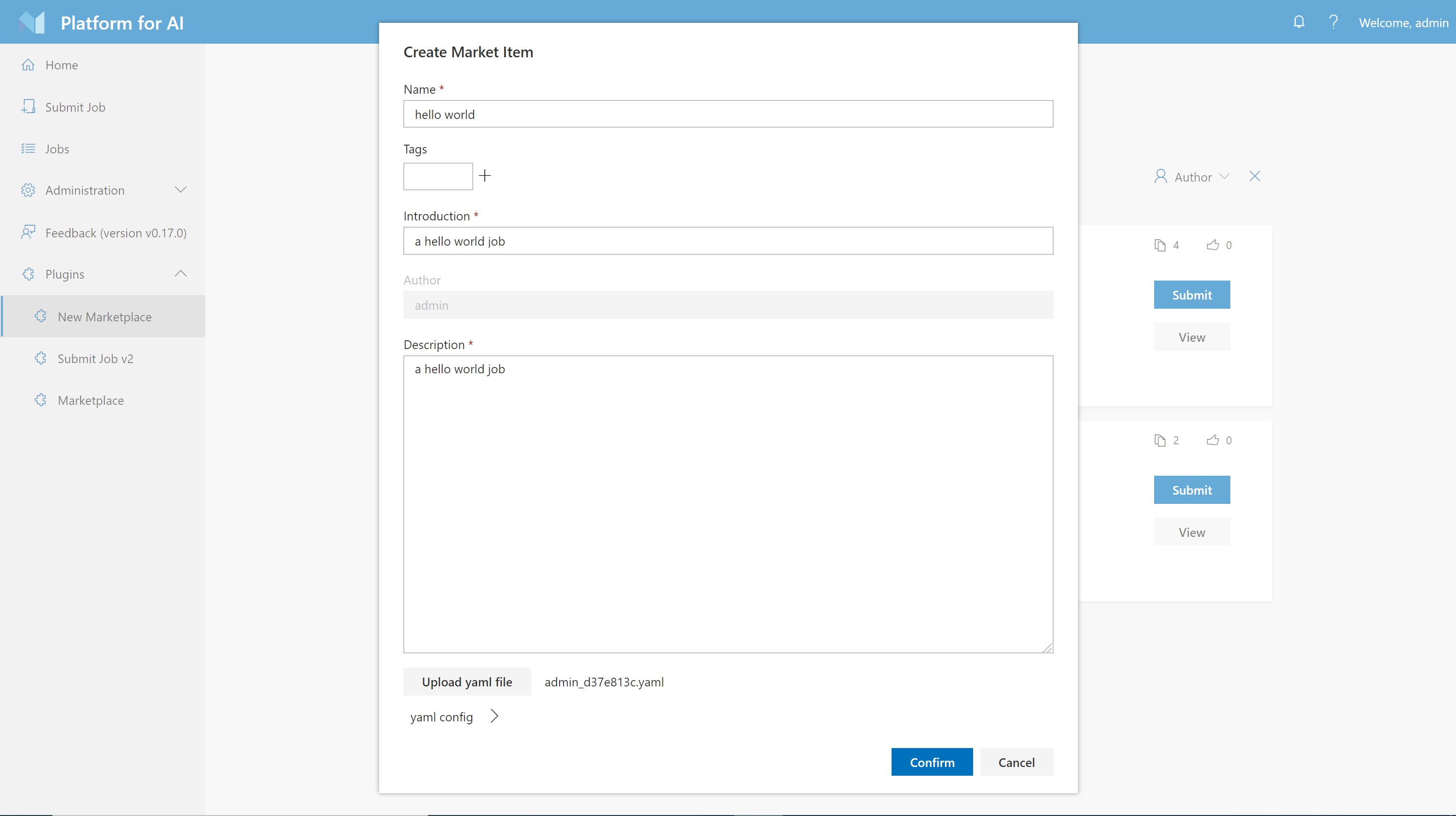
If your administrator enables marketplace plugin, you will find a link in the Plugin section on webportal, like:
If you are pai admin, you could check deployment doc to see how to deploy and enable marketplace plugin.
Use Templates on Marketplace
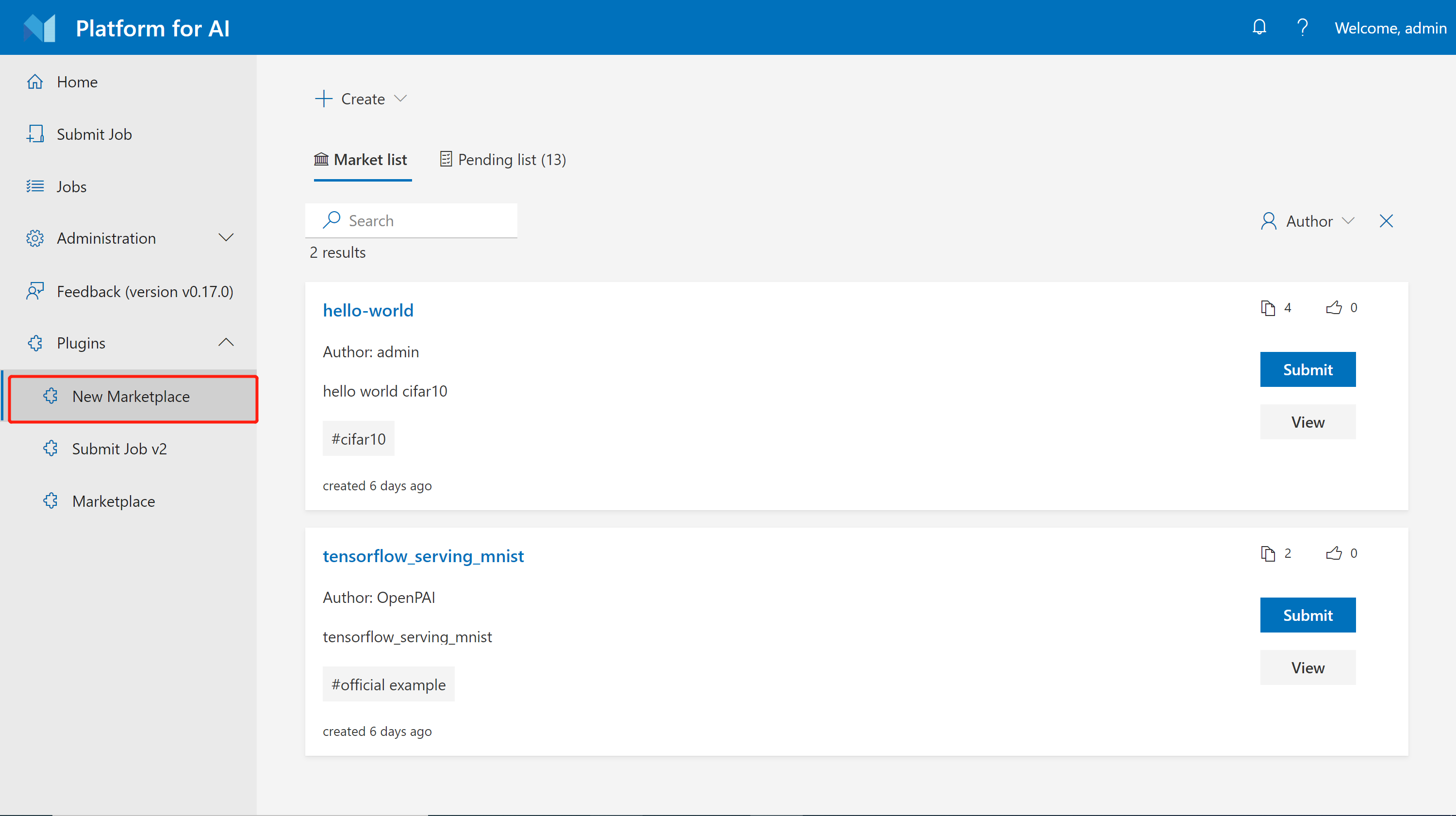
The marketplace plugin has some official templates in market list by default, to use the templates on marketplace, you can click Submit directly, and it will bring you to the job submission page. Or you could click view button to view the information about this template.
Create your Own Templates
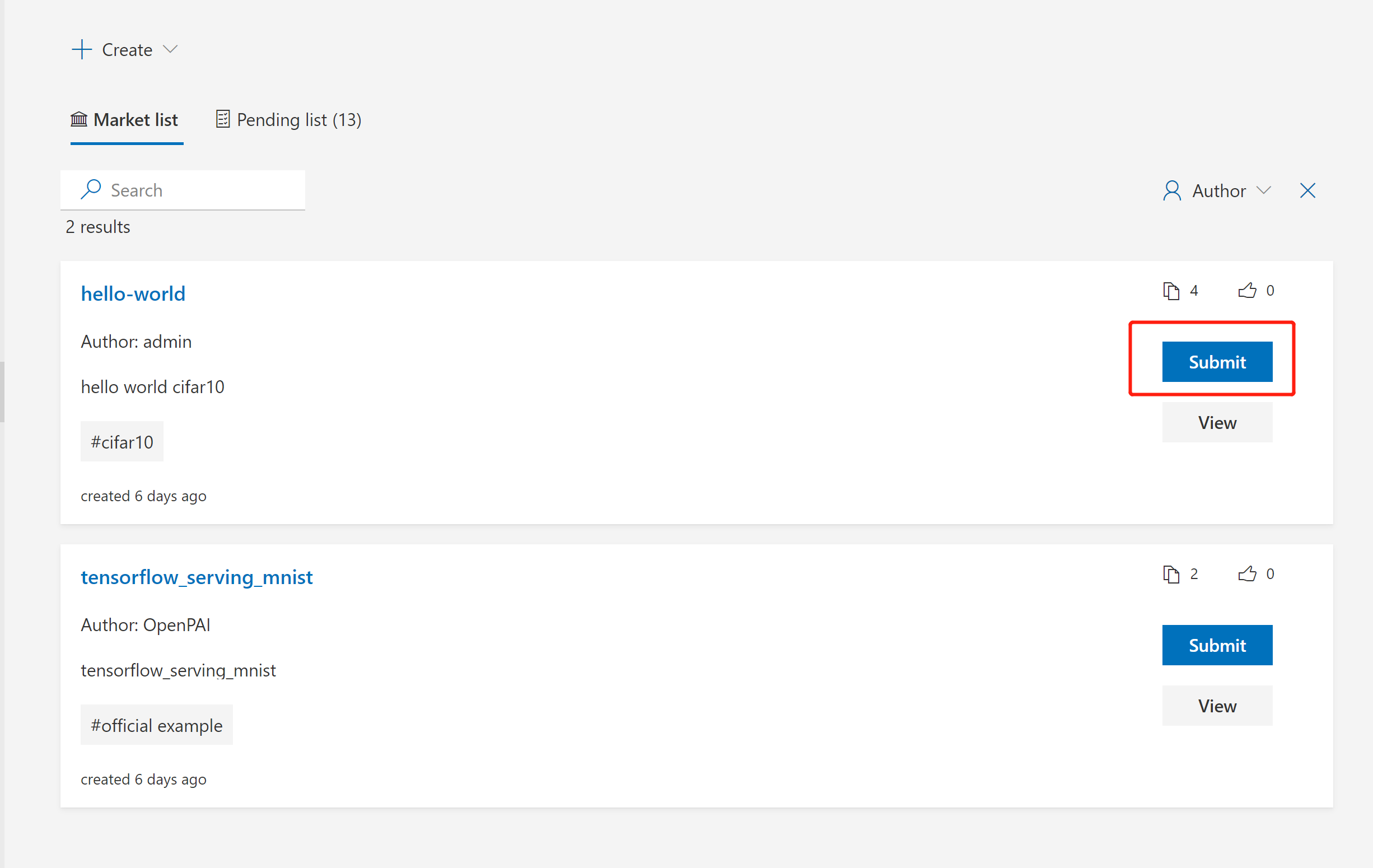
To create a marketplace template, click the Create button on the page. As shown in the following picture, you could create the template from scratch with a config yaml file. You should fill in some necessary info like name, introduction and description etc. Another approach is creating from your existing job in pai platform. You can only create marketplace template from one Succeeded job. After creating, your templates will be awaiting for review by platform admin before you could see them in market list.